

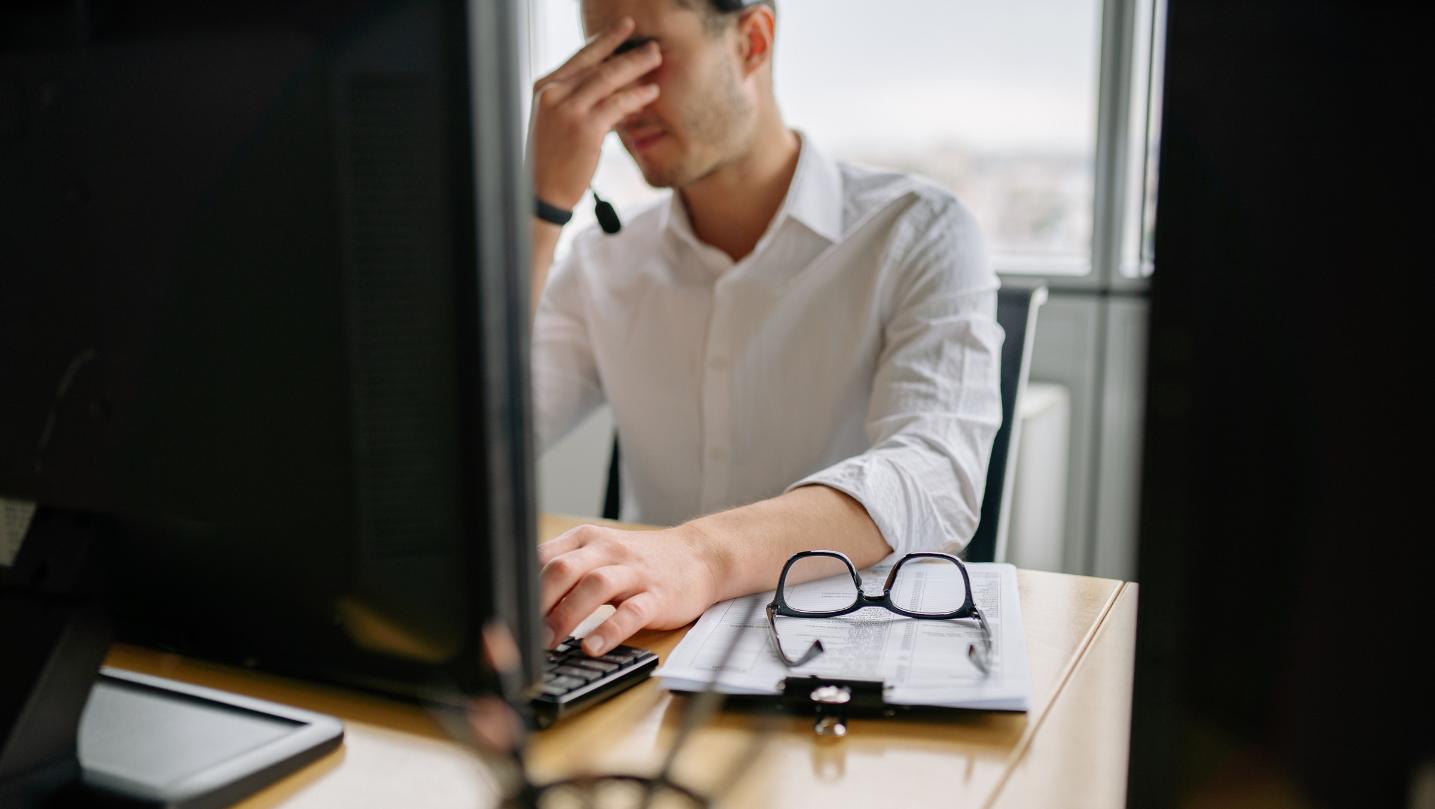
Does it seem as if your computer is operating slower? Are you experiencing:
- A lag time before task performance,
- Screen freezing
- Longer than usual start-up times or
- Delays when you type or use your mouse?
Any of these slow computer operation symptoms could indicate an issue. Best case scenario, you may have too many computer programs or applications running in the background causing your computer to perform slowly.
Or maybe you just need to defragment, as a fragmented hard drive can cause slow computer performance. A good rule of thumb for optimal computer function is to leave at least 20% of your hard drive free.
When memory or RAM is full, your computer may run slower. So you may also consider the fact that you may not have enough RAM to complete the tasks you require.
Outdated software can lead to missed security updates or incompatibilities, both of which can affect computer performance.
Of course, malware and viruses can also be extremely detrimental to your computer and its performance, as can overheating.
In summary: Any noticeable decrease is computer speed or responsiveness could be caused by a variety of maladies. So try the following…Reboot, close unnecessary apps, run disk clean-up, upgrade as recommended and, aside from installing a decent anti-virus program, run regular scans for any viruses and malware.